FPV Glossary: Complete Terms and Acronyms Guide
Decode every FPV term, acronym, and technical jargon from ACRO to VTX.
FPV Glossary: Complete Terms and Acronyms Guide
The Ultimate FPV Glossary for Beginners: Learn Every Essential Term to Build, Fly, and Master Your Drone
Introduction: Unlock the Language of FPV Drones
Welcome to the exhilarating world of FPV (First Person View) drones! As you embark on this high-flying journey, you'll quickly discover a unique vocabulary filled with acronyms, technical terms, and jargon. It can feel overwhelming at first, but understanding these terms is crucial for building, flying, and troubleshooting your FPV quadcopter.
This ultimate FPV glossary for beginners is designed to demystify the complex language, providing clear, concise explanations for every essential term you'll encounter. From the core components of your drone to advanced flight modes and tuning parameters, we've got you covered. Get ready to speak FPV like a pro and elevate your flying experience!
Welcome to the FPV World: Essential Concepts & Starter Terms
Before we dive into the nitty-gritty, let's establish some foundational concepts.
What is FPV (First Person View)?
FPV stands for First Person View. It's the immersive experience of flying a drone as if you were sitting inside the cockpit. A camera on the drone transmits live video to a screen or, more commonly, a pair of FPV goggles worn by the pilot. This allows for incredibly precise control and exhilarating maneuvers that aren't possible with traditional line-of-sight (LOS) flying. Think of it like a video game, but in real life!
RTF, BNF, PNP: Understanding Drone Readiness Levels
When buying an FPV drone, you'll often see these acronyms describing how complete the package is:
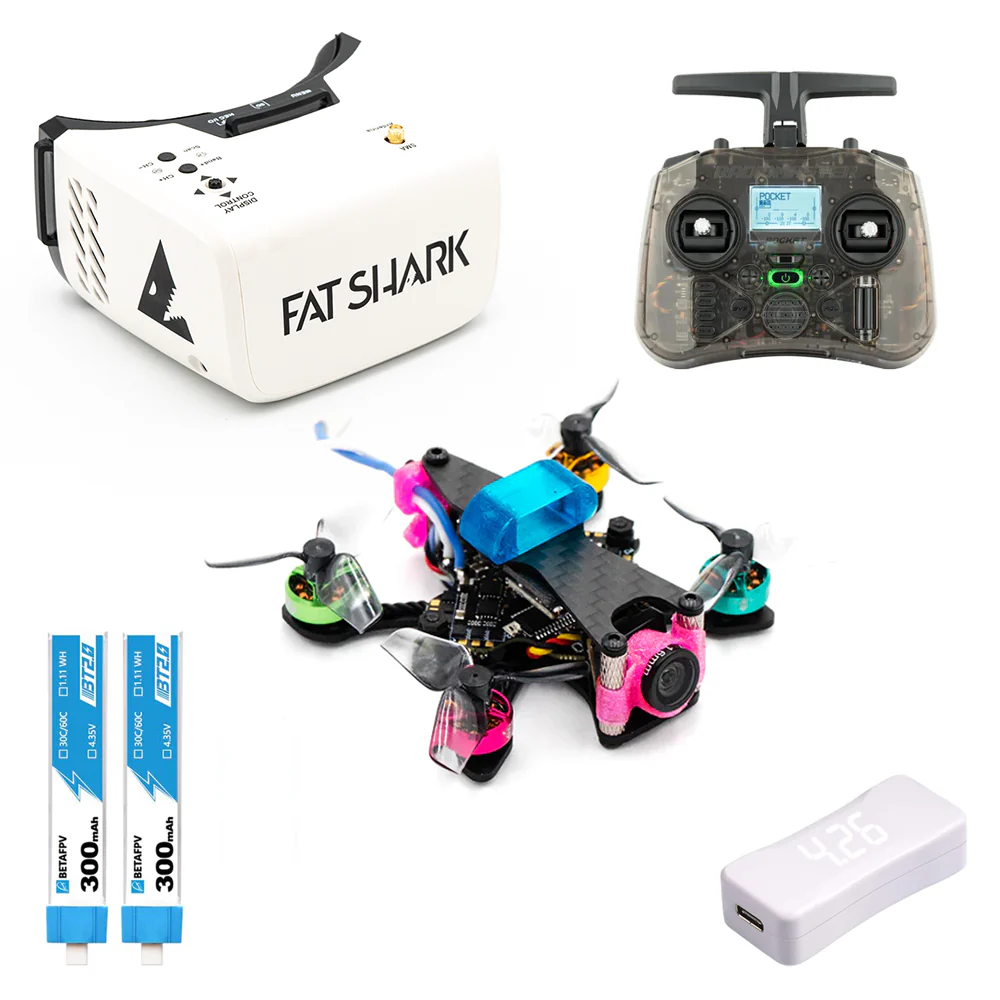
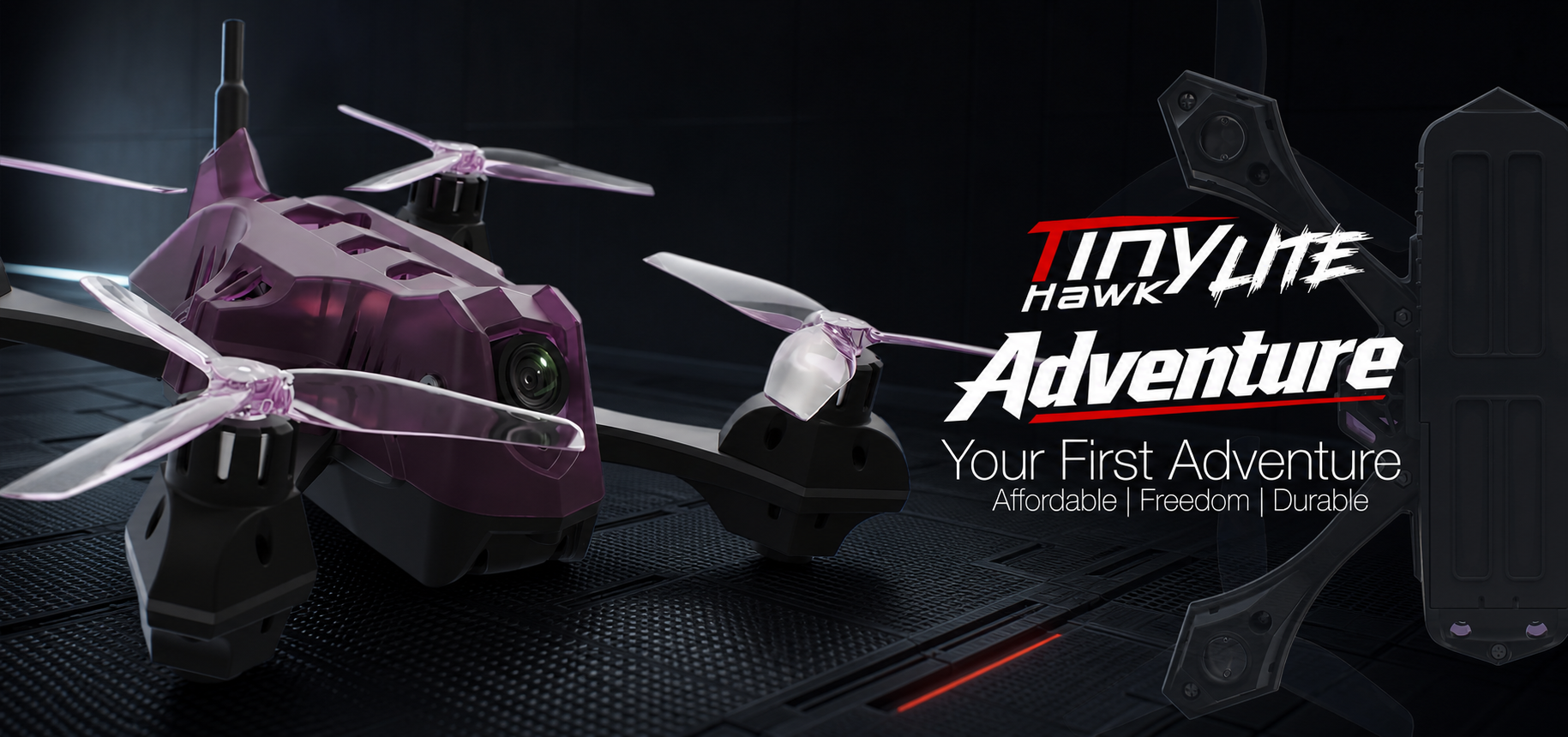
- RTF (Ready-To-Fly): This is the most beginner-friendly option. An RTF kit includes everything you need to start flying: the drone, a radio transmitter (controller), FPV goggles, and often batteries and a charger. Examples include beginner kits like the BetaFPV Cetus X or EMAX Tinyhawk series.
- BNF (Bind-N-Fly): A BNF drone comes fully assembled and configured, but it does not include a radio transmitter or FPV goggles. You'll need to "bind" your existing compatible radio transmitter to the drone's receiver, and provide your own goggles. This is a popular choice for pilots who already own a good radio.
- PNP (Plug-N-Play): This is the most "barebones" option. A PNP drone comes assembled but without a receiver, radio transmitter, or FPV goggles. You'll need to install your own receiver (compatible with your radio), and then bind it. This is typically for experienced builders who want full control over their component choices.
Practical Tip: For absolute beginners, an RTF kit is highly recommended to minimize setup complexity and get airborne quickly.
Quadcopter, Drone, Multirotor: Basic Vehicle Types
These terms are often used interchangeably in the FPV hobby:
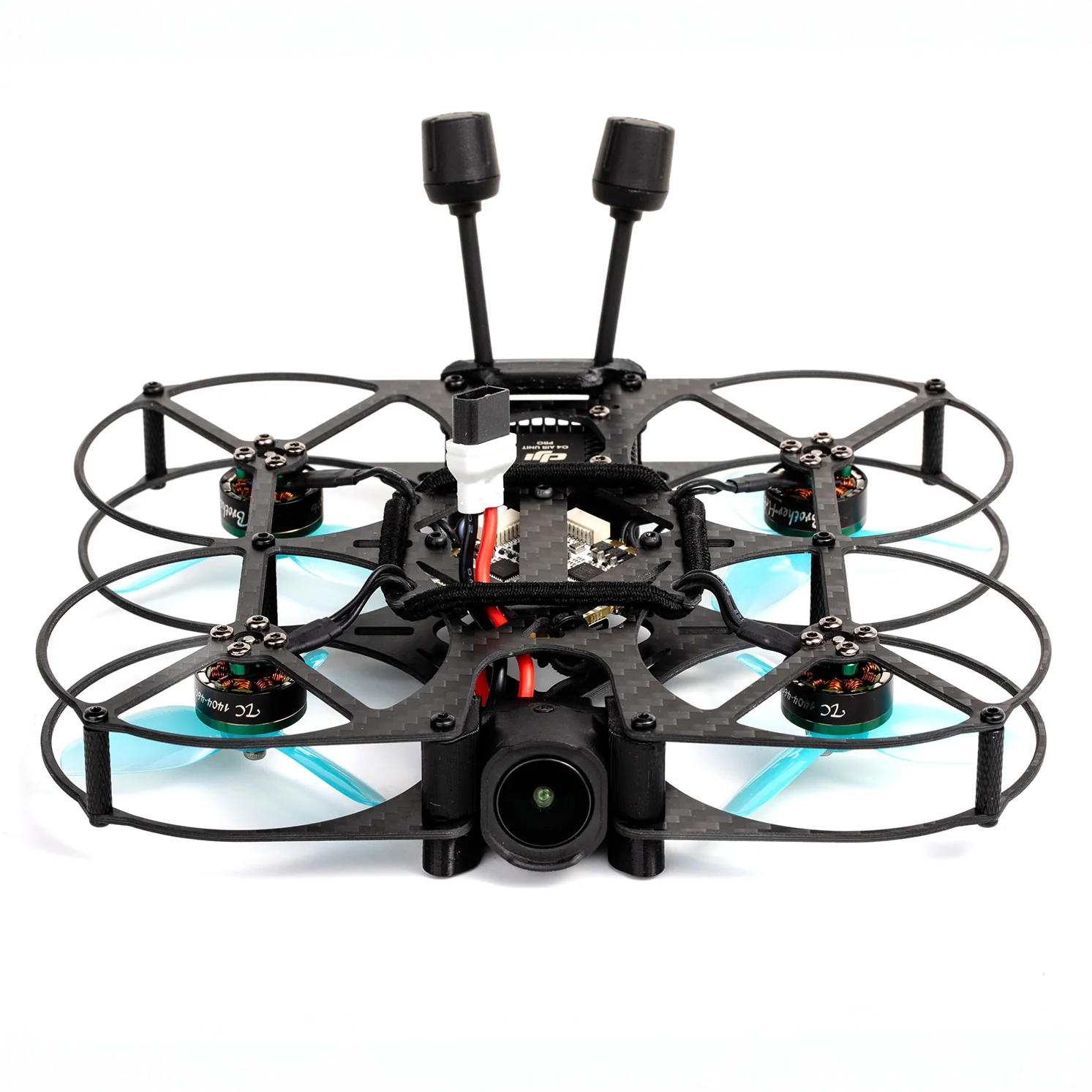
- Quadcopter: Specifically refers to a multirotor aircraft with four propellers (quad = four). Most FPV drones fall into this category.
- Drone: A broader term for any uncrewed aerial vehicle (UAV). While FPV quads are drones, not all drones are FPV (e.g., camera drones like DJI Mavics are typically flown LOS).
- Multirotor: An aircraft that uses multiple rotors (propellers) to generate lift and thrust. This includes quadcopters, hexacopters (six rotors), and octocopters (eight rotors), though quadcopters are dominant in FPV.
LiPo Battery: The Power Source Explained
LiPo stands for Lithium Polymer. These are the standard rechargeable batteries used in FPV drones due to their high power-to-weight ratio.
- mAh (Milliamp-hour): Indicates the battery's capacity. A higher mAh means longer flight times, but also more weight. Common FPV batteries range from 450mAh for tinywhoops to 1300-1500mAh for 5-inch freestyle quads.
- S-Rating (Series Cells): Denotes the number of cells connected in series, which determines the battery's nominal voltage. Each LiPo cell is approximately 3.7V (nominal), so:
- 1S: 3.7V (e.g., for tinywhoops)
- 2S: 7.4V
- 4S: 14.8V (common for 3-inch drones)
- 6S: 22.2V (common for 5-inch freestyle/racing drones)
- C-Rating: Represents the continuous discharge rate of the battery. A higher C-rating means the battery can safely deliver more current, which is crucial for high-performance FPV drones that draw a lot of power during aggressive maneuvers. For example, a 1300mAh 4S 100C battery can theoretically discharge 130 Amps (1.3 Ah * 100 C).
Safety Tip: LiPo batteries are powerful and require careful handling. Always store them in a fireproof bag, never overcharge or over-discharge, and always balance charge them.
Inside Your Drone: Understanding FPV Hardware Components
Let's open up the drone (metaphorically) and look at its core components.
Flight Controller (FC) & Electronic Speed Controller (ESC)
These are the brain and muscles of your FPV drone:
- Flight Controller (FC): This is the "brain" of the drone. It takes input from your radio receiver, processes data from onboard gyroscopes and accelerometers, and sends commands to the ESCs to control the motors. Most FPV FCs run open-source firmware like Betaflight, ArduPilot, or INAV. A popular FC is the SpeedyBee F405 V3.
- Electronic Speed Controller (ESC): This is an electronic circuit board that translates the commands from the FC into the appropriate electrical signals to spin the brushless motors at the desired speed. Modern FPV drones often use 4-in-1 ESCs, where all four ESCs are integrated onto a single board, making wiring cleaner. Popular ESC firmwares include BLHeli_S and BLHeli_32.
Motors, Propellers & Frame
These physical parts give the drone its structure and propulsion:
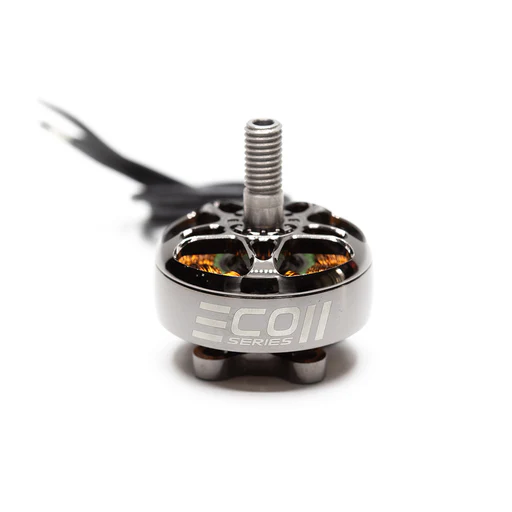
- Motors: FPV drones use brushless motors, which are highly efficient and powerful. They come in various sizes (e.g., 2207, 2306 for 5-inch quads), where the first two digits indicate the stator diameter in mm, and the last two indicate the stator height in mm. KV (kilovolts per minute) is also a key spec, representing how many RPMs the motor spins per volt. Higher KV for lower S-ratings, lower KV for higher S-ratings.
- Propellers (Props): These are the blades that generate thrust. They come in various sizes (e.g., 5-inch, 3-inch, 2.5-inch) and pitches (e.g., 5x4x3, meaning 5-inch diameter, 4-inch pitch, 3 blades). The pitch determines how much air the prop moves per rotation; higher pitch means more speed but less efficiency. Props are often made of durable polycarbonate.
- Frame: The structural skeleton of the drone, typically made from lightweight yet strong carbon fiber. Frames come in various sizes (measured diagonally motor-to-motor, e.g., 220mm for 5-inch quads) and designs (e.g., X-frame, Deadcat, Stretch-X) that affect flight characteristics.
Receiver (Rx) & Transmitter (Tx - on drone)
These components handle the control link:
- Receiver (Rx): The small electronic board on the drone that receives control signals from your pilot's radio transmitter. Popular receiver systems include ExpressLRS (ELRS), TBS Crossfire, and FrSky.
- Transmitter (Tx - on drone): While the pilot's radio is also called a Tx, sometimes the receiver on the drone is colloquially referred to as the "Tx" if it has telemetry capabilities (sending data back to the pilot). To avoid confusion, it's best to stick with "receiver" or "Rx" for the drone component.
PDB, BEC, VREG: Power Distribution & Regulation
These ensure clean power throughout the drone:
- PDB (Power Distribution Board): A circuit board that distributes power from the LiPo battery to the ESCs, FC, VTX, and other components. Many modern 4-in-1 ESCs and FCs have integrated PDB functionality.
- BEC (Battery Eliminator Circuit): A circuit that converts the higher voltage of the LiPo battery (e.g., 22.2V for 6S) down to a lower, stable voltage (e.g., 5V or 9V) required by components like the FC, receiver, and FPV camera.
- VREG (Voltage Regulator): Similar to a BEC, a VREG provides a stable output voltage from a higher input voltage. Often integrated into FCs or PDBs to provide clean power to sensitive electronics.
Your Eyes in the Sky: The FPV Video System Explained
This is what makes FPV truly immersive!
FPV Camera & Video Transmitter (VTX)
These capture and send the video feed:
- FPV Camera: A small, lightweight camera mounted on the drone that captures the live video feed. FPV cameras are designed for low latency (minimal delay) and good performance in varying light conditions. Popular brands include Caddx, RunCam, and Foxeer. They come in various sizes (Micro, Nano, Mini).
- Video Transmitter (VTX): An electronic module that takes the video signal from the FPV camera and transmits it wirelessly on a specific frequency (e.g., 5.8GHz for analog, or digital frequencies for HD systems like DJI O3 Air Unit, Walksnail Avatar, or HDZero) to your FPV goggles. VTXs have adjustable power outputs (e.g., 25mW, 200mW, 800mW) to comply with local regulations and extend range.
FPV Goggles & Video Receiver (VRX)
These receive and display the video feed:
- FPV Goggles: A headset worn by the pilot that contains a screen (or two screens) to display the live video feed from the drone. They come in two main types:
- Box Goggles: Larger, single-screen design, often more budget-friendly.
- Binocular Goggles: Compact, two-screen design (one per eye), offering a more premium and immersive experience (e.g., Fat Shark, Skyzone, DJI Goggles 2).
- Video Receiver (VRX): The component within the FPV goggles (or an external module attached to them) that receives the video signal transmitted by the VTX on the drone. Modern VRXs often have "diversity" capability, meaning they can use two antennas to pick the stronger signal, improving reception.
Antennas: Omni, Directional, RHCP/LHCP
Antennas are crucial for both control and video signals:
- Omni-directional Antenna: Radiates and receives signals in a 360-degree pattern, like a sphere. Good for general flying where the drone's orientation relative to the pilot changes frequently. Common types include circular polarized antennas like "Pagodas" or "Lollipops."
- Directional Antenna: Focuses the signal in a specific direction, like a flashlight beam. Provides longer range and better penetration in that direction, but requires the pilot to aim it at the drone. Popular types include "Patch" or "Helical" antennas.
- RHCP/LHCP (Right Hand/Left Hand Circular Polarization): Describes the direction of the electromagnetic wave's rotation. To get the best signal, both your VTX and VRX antennas must have the same polarization (e.g., both RHCP or both LHCP). Mixing them results in significant signal loss.
OSD (On-Screen Display): Your Flight Dashboard
OSD stands for On-Screen Display. This technology overlays critical flight information directly onto your FPV video feed in your goggles. It's like having a dashboard in your drone.
Essential OSD Information for Beginners:
- Battery Voltage: Crucial for knowing when to land to prevent over-discharging your LiPo.
- Current Draw (Amps): Shows how much power your motors are drawing.
- Flight Time: Helps you keep track of how long you've been in the air.
- RSSI (Received Signal Strength Indicator): Indicates the strength of your control link signal.
- Artificial Horizon: A graphical representation of your drone's pitch and roll, useful for orientation.
Practical Tip: Customize your OSD in Betaflight to display only the information you need, preventing clutter. Battery voltage and RSSI are non-negotiable!
Taking Control: Radio Systems & Flight Dynamics
This section covers how you interact with your drone and how it flies.
Radio Transmitter (Tx - pilot side) & Control Protocols
Your Radio Transmitter (Tx) is the handheld controller you use to pilot the drone. It sends your stick inputs wirelessly to the receiver on the drone.
- Gimbals: The joysticks on your radio. They can be hall sensor gimbals (more precise and durable) or potentiometer gimbals.
- Control Protocols: The language your radio uses to communicate with the receiver. Key protocols offering long range and low latency (crucial for FPV) include:
- ExpressLRS (ELRS): An open-source, highly popular, and extremely powerful protocol known for its incredible range, low latency, and robust link. Many modern radios like the Radiomaster Zorro or Jumper T-Pro come with ELRS modules.
- TBS Crossfire: A proprietary protocol from Team BlackSheep, also known for its excellent range and penetration, especially in challenging environments.
- FrSky: A legacy protocol, still used, but generally superseded by ELRS and Crossfire for serious FPV flying.
Flight Modes: Acro, Angle, Horizon
These define how the drone responds to your stick inputs:
- Angle Mode (Self-Leveling Mode): The most beginner-friendly mode. When you release the sticks, the drone will automatically level itself horizontally. It has a limited maximum tilt angle, preventing you from flipping or rolling the drone. Great for learning basic controls and getting comfortable.
- Horizon Mode (Hybrid Mode): A mix between Angle and Acro. It self-levels at small stick deflections, but allows you to flip and roll if you push the sticks to their extremes. A good stepping stone between Angle and Acro.
- Acro Mode (Rate Mode): The standard mode for freestyle, racing, and advanced FPV flying. In Acro, the drone does not self-level. Your stick inputs directly control the angular rate of rotation (how fast it spins). This provides full control and allows for complex maneuvers, but requires constant stick input to maintain orientation.
Practical Tip: Start in Angle Mode in a simulator, then move to Acro Mode in the simulator, and only then try Acro in real life in a safe, open space.
PID Tuning: Proportional, Integral, Derivative
PID stands for Proportional, Integral, Derivative. These are the three main coefficients that the Flight Controller uses to calculate how to stabilize the drone and make it responsive.
- P (Proportional): Controls how aggressively the drone tries to correct an error (e.g., if it's tilting, P wants to push it back immediately). Too high P can cause oscillations.
- I (Integral): Corrects for long-term errors or slow drifts, ensuring the drone holds its desired attitude over time. Too high I can cause slow oscillations or "wobbles."
- D (Derivative): Acts as a dampener, anticipating and counteracting rapid changes. It helps prevent overshoots and makes the drone feel "locked in." Too high D can cause motor heat and propwash oscillations.
Practical Tip: For beginners, it's best to stick with the default PID tunes in Betaflight, as they are usually very good. Only delve into PID tuning once you have a solid understanding of flying.
Rates & Expo: Controlling Responsiveness
These are settings within your FC firmware (like Betaflight) that adjust how your drone responds to your stick movements:
- Rates: Determine how fast the drone rotates (degrees per second) for a given stick input. Higher rates mean faster rotations, allowing for quicker flips and rolls.
- Expo (Exponential): Softens the stick response around the center of the gimbals, making small adjustments less sensitive. As you move the stick further out, the response becomes more linear. This allows for precise control in the center and quick maneuvers at the extremes.
Practical Tip: Start with some expo (e.g., 0.20-0.30) to make the drone less twitchy around the center stick, which helps with smooth flying.
Decoding the Jargon: Advanced Acronyms & Tuning Terms
As you progress, you'll encounter more technical terms.
Battery Specs: mAh, C-Rating, S-Rating
We covered these earlier, but let's reinforce their importance in the context of advanced understanding:
- mAh (Milliamp-hour): Capacity. Higher mAh = longer flight, more weight.
- C-Rating: Discharge rate. Higher C = more power delivered without excessive voltage sag or battery damage. Essential for aggressive flying.
- S-Rating: Voltage. Higher S = more power, but requires motors and ESCs rated for that voltage.
ESC Protocols: DSHOT, BLHeli_S/32
These refer to how the FC communicates with the ESCs and the firmware they run:
- DSHOT (Digital Shot): A modern, digital communication protocol between the Flight Controller and the ESCs. It's faster, more accurate, and less susceptible to noise than older analog protocols like OneShot or MultiShot. DSHOT versions include DSHOT150, DSHOT300, DSHOT600, and DSHOT1200, indicating data transfer speed.
- BLHeli_S / BLHeli_32: These are popular firmware choices for ESCs.
- BLHeli_S: A widely used, robust firmware for 8-bit ESCs, offering good performance and compatibility.
- BLHeli_32: An advanced firmware for 32-bit ESCs, offering more features, faster processing, and better overall performance, including telemetry data back to the FC.
Communication: UART, SPI, I2C
These are types of serial communication interfaces used by the FC to talk to various peripherals:
- UART (Universal Asynchronous Receiver-Transmitter): A common serial communication protocol used to connect components like the receiver, VTX, GPS, or external Bluetooth modules to the FC. Each UART has a dedicated transmit (TX) and receive (RX) pin.
- SPI (Serial Peripheral Interface): Another serial communication protocol, often used for connecting high-speed devices that are tightly integrated with the FC, such as the gyroscope/accelerometer sensor or onboard receiver (e.g., in an AIO - All-In-One - board).
- I2C (Inter-Integrated Circuit): A two-wire serial communication protocol often used for slower devices like barometers or magnetometers (compasses).
Betaflight & Firmware Terms: CLI, DFU, BF
These are terms you'll encounter when setting up and configuring your drone:
- Betaflight (BF): The most popular open-source firmware for FPV Flight Controllers. It's highly customizable and constantly updated, offering a vast array of features for tuning, flight modes, and OSD configuration.
- CLI (Command Line Interface): A text-based interface within the Betaflight Configurator (or other firmware configurators) that allows advanced users to directly input commands, view settings, and troubleshoot their FC. It's powerful but requires precision.
- DFU (Device Firmware Update) Mode: A special mode that the Flight Controller enters to allow its firmware (e.g., Betaflight) to be updated or flashed. You typically put your FC into DFU mode using a button on the board or by shorting specific pads.
FPV Glossary FAQ
What's the difference between Acro and Angle mode?
The fundamental difference is self-leveling. Angle Mode automatically levels the drone when you release the sticks, making it easier to learn basic controls. Acro Mode does not self-level; it maintains its last commanded angle, giving the pilot full, precise control over the drone's orientation, which is essential for freestyle and racing.
Why are there so many different FPV battery terms?
FPV batteries are high-performance power sources, and the terms (mAh, S-rating, C-rating) are crucial specifications that tell you about their capacity, voltage, and ability to deliver power under load. Understanding these terms helps pilots choose the right battery for their drone and flying style, ensuring optimal performance and safety.
What does 'binding' mean in FPV?
Binding is the process of electronically linking your radio transmitter (Tx) to the receiver (Rx) on your drone. Once bound, the receiver will only respond to signals from that specific transmitter, ensuring secure and interference-free control. The exact binding procedure varies depending on your radio and receiver protocol (e.g., ELRS, Crossfire).
How important is OSD for beginners?
OSD (On-Screen Display) is extremely important for beginners! It provides vital information like battery voltage, flight time, and signal strength directly in your FPV feed. Without OSD, you wouldn't know when your battery is getting low, risking a sudden power loss and a crash. It's your drone's dashboard and a critical safety feature.
What's the most common FPV acronym I'll encounter?
Beyond FPV itself, you'll most frequently encounter FC (Flight Controller) and VTX (Video Transmitter). These are fundamental components central to the FPV experience. LiPo is also right up there as the power source for virtually every FPV drone.
Conclusion: Master the FPV Language, Master the Skies
Congratulations! You've just navigated the intricate lexicon of FPV drones. By understanding these essential terms, you're not just learning definitions; you're gaining the knowledge to confidently build, troubleshoot, and fly your FPV quadcopter.
The world of FPV is constantly evolving, but with this foundational glossary, you're well-equipped to keep up. Don't be afraid to revisit these terms as you grow in your FPV journey. Now that you speak the language, it's time to put your knowledge to the test. Explore our other guides and tutorials to start building your first drone or take to the skies with newfound confidence!
Copyright-safe media generated locally by FPVLovers